
Ukraine’s internet provider map in Diia
September 1, 2026
It’s a classic trap for growing digital products: every new feature takes so long to agree on and build that it feels like launching a whole new startup from scratch. Without a design system, even the smallest update turns into Groundhog Day.
Designers redraw every button by hand across dozens of mockups, while developers write the same styles from scratch again and again. All it takes is one person missing a small detail — and the project spirals into an endless loop of revisions and iterations.
The result: a burned-out team, a chaotic interface
and sprawling, tangled code that keeps getting more expensive to maintain.

A single “rulebook” for managers, designers and developers — an interactive kit for building your product
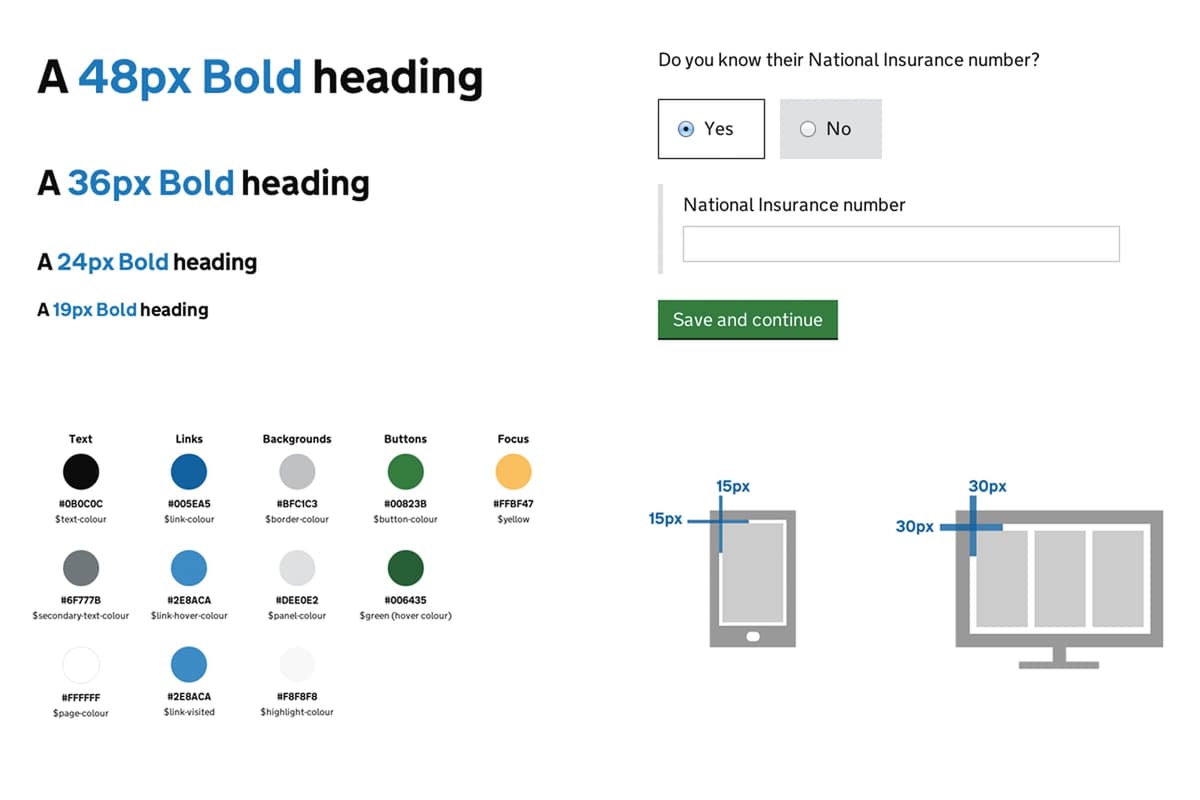
Styles — the colors, fonts, spacing and tone of voice of the product
UI Kit — ready-made design components
UI Library — ready-made components in code
Documentation — agreed rules and guidelines for using every element
Up to 60% of a developer’s and a designer’s time often goes to pure routine: building the same buttons, input fields, cards and pop-ups over and over, page after page.
A design system automates that routine. Working with components starts to feel like assembling a construction kit — and that cuts time to market (how long it takes to ship a product or a new feature) by 30–40%.
What sets a design system apart from a simple collection of elements is that it’s a precise engineering kit where everything is connected.
Ions and atoms are the fundamental, indivisible particles of an interface. On their own they carry little functional value, but everything else is built on them.
Molecules are simple working interface elements that perform a specific function.
Organisms are combinations of molecules and atoms.
Templates are the reusable “skeleton” of a page.
Pages are the final interfaces assembled from these elements



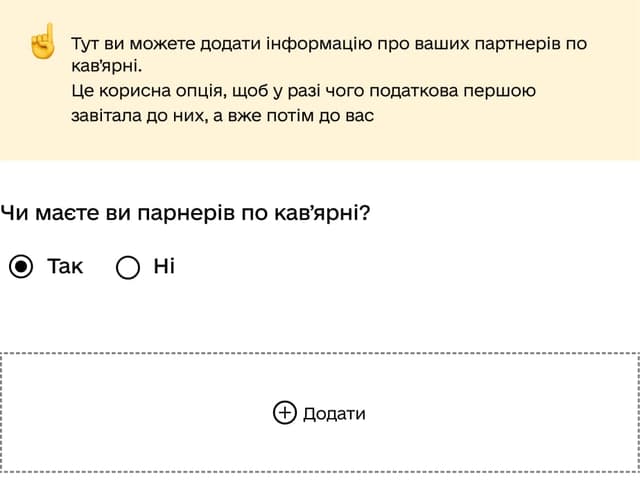






Trust in a product matters — especially when it handles sensitive user data, as in GovTech, MedTech and FinTech: banking details, medical records or other sensitive personal data. Users may be afraid of making a mistake or, when they lack information, worry that something has happened to their data.
When the design is cohesive and recognizable, and the elements are intuitive to use, users feel that the system is safe and predictable. This matters even more for less tech-savvy users.
A design system governs not only how a service looks, but also how it talks to people. Clear hints, thorough instructions and human-centered error messages are as much a part of the system as button colors. When every piece of interface text follows one standard (no bureaucratese or piles of dry technical terms), users feel confident and in control.
A design system also makes it easier to keep one style and product philosophy — especially when several teams or contractors work on the product. And when it’s time to modernize the service, the design system makes that stage easier and more coherent.
The international standard for digital accessibility
This standard defines how to make websites and apps usable for people with disabilities (visual, hearing, motor or cognitive impairments) — and it improves the user experience for everyone.
Governments and large businesses can’t ignore people with disabilities, especially during the war, as the number of veterans with disabilities keeps growing.
Following WCAG means accounting for accessibility in both design and development, so that people with different impairments can comfortably read pages and easily use screen readers.
WCAG is already mandatory for all digital services in Europe, and Ukraine is introducing it too. It will soon be a prerequisite for launching public services — and, eventually, every service in Ukraine.
Building WCAG requirements into your design system is a cost-effective way to make your product accessible to every user while spending fewer resources

Defining goals. Auditing and analyzing existing products
Analyzing competitors and other design systems

Developing core components. Defining styles
Writing detailed documentation for every component. Defining a system of semantic classes
Developing each component in React/Angular/Vue
Checking responsiveness across devices. Optimizing performance
Rolling the design system out across the project. Fixing bugs

Discuss your product’s challenges directly
with our team of experts.
Leave your contact details and a short question — we’ll get back to you with concrete next steps.
Digital solutions already working for people. Every case is a story of turning complex processes into simple, clear services

Narcotic drug licensing in Diia
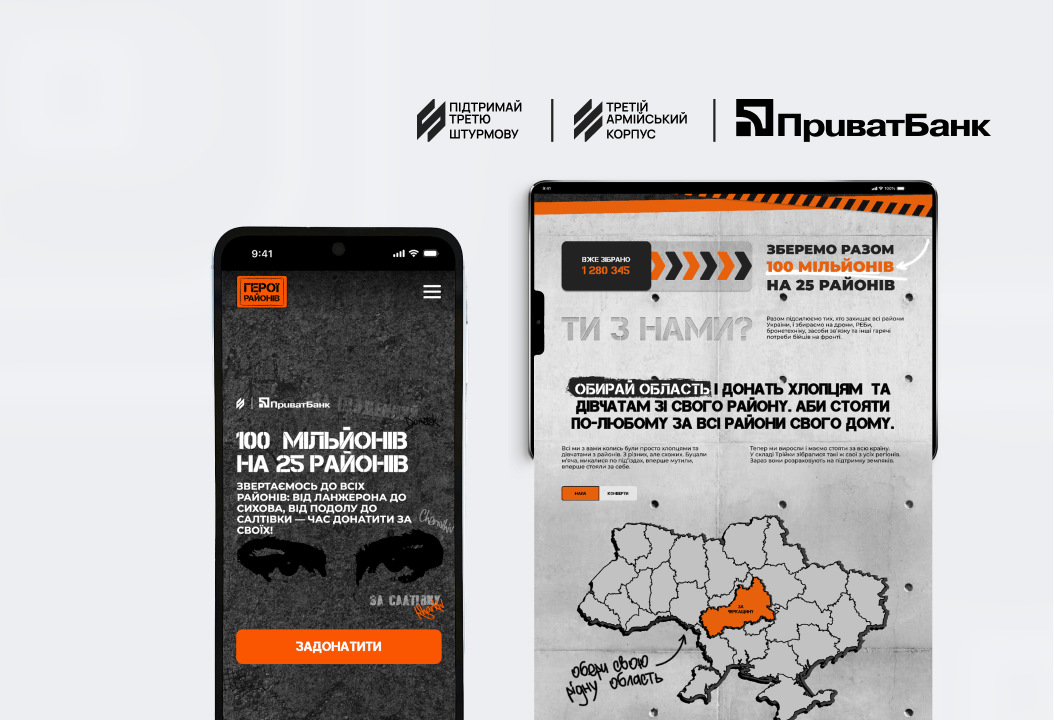
Building the “Heroes of the Districts” crowdfunding platform

Services for mothers in Diia
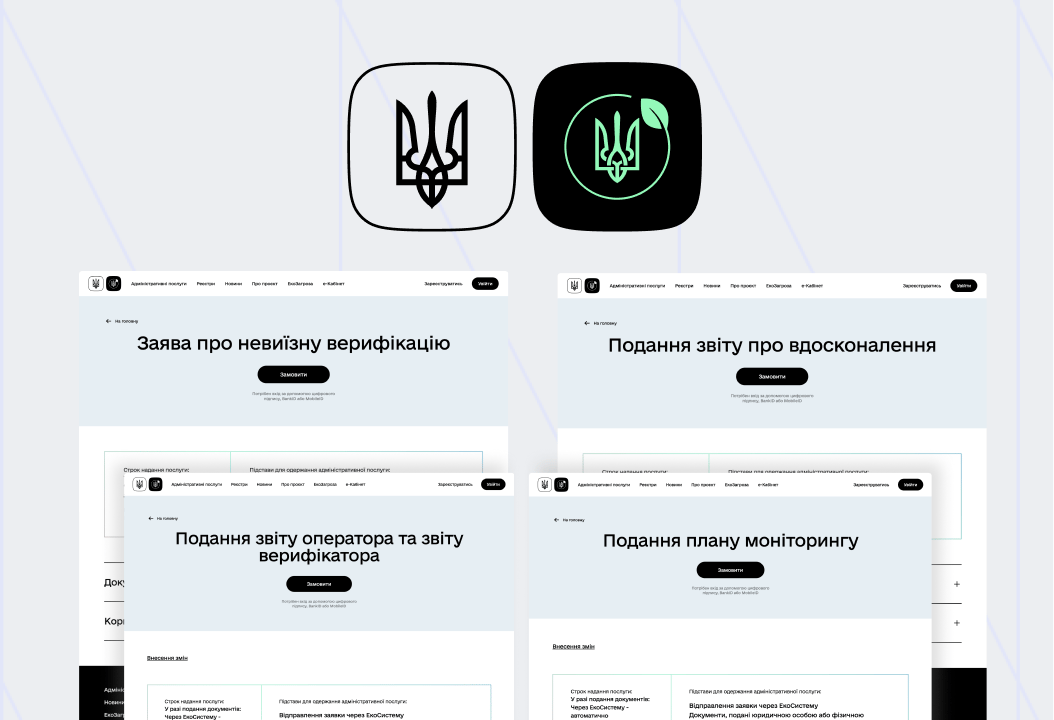
EcoSystem: greenhouse gas emissions control

NGO registration in Diia

Services for everyone: why WCAG is becoming mandatory for Ukrainian digital services
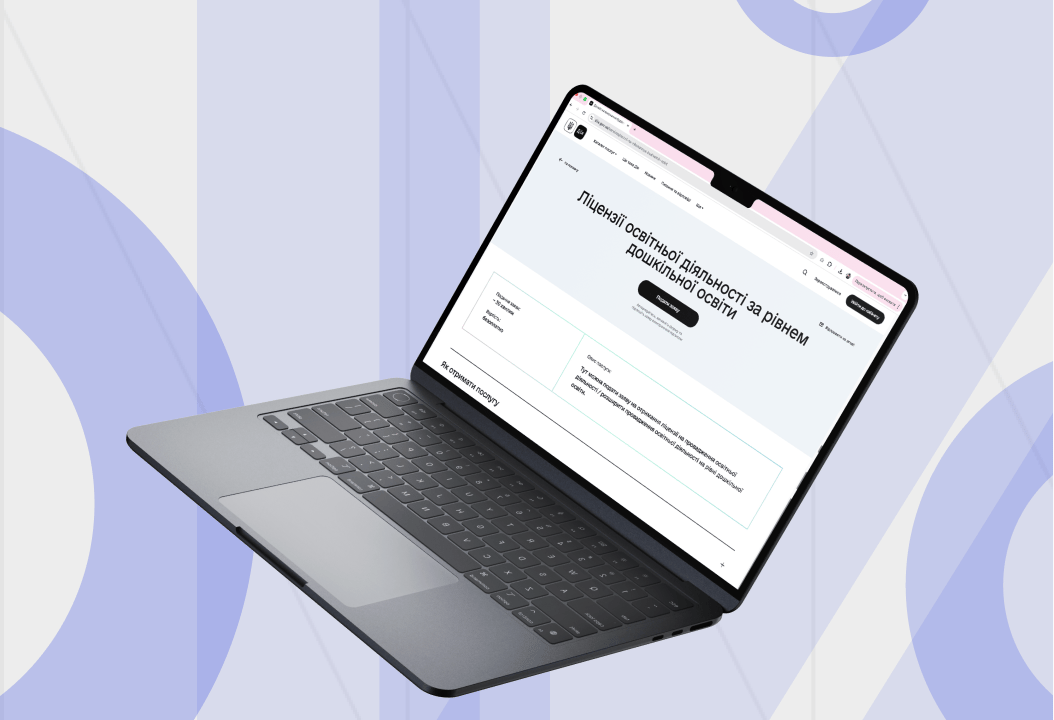
Preschool education licensing in Diia

Marriage application in Diia